Tools for download
FX Blue Crypto Prices from GDAX
The GDAX price indicator collects current cryptocurrency prices from the GDAX exchange and displays them on an MT4 chart, for comparison against your broker's prices.
Download for Your Platform
Our installer, and also some of our individual tools, require v4.8 of the Microsoft .NET Framework. This may not be installed by default on some VPSes.
MT 4
The GDAX price indicator collects current cryptocurrency prices from the GDAX exchange (www.gdax.com) and displays them on an MT4 chart, for comparison against your broker's prices.
You can use the indicator to help to identify future price movements arising from differences, or arbitrage opportunities.
This is the MT4 version of the indicator. An MT5 version is also available.
The indicator can display the following GDAX prices: BTC/USD, LTC/USD, ETH/USD, BTC/EUR, LTC/EUR, ETH/EUR, BTC/GBP, LTC/BTC, ETH/BTC.
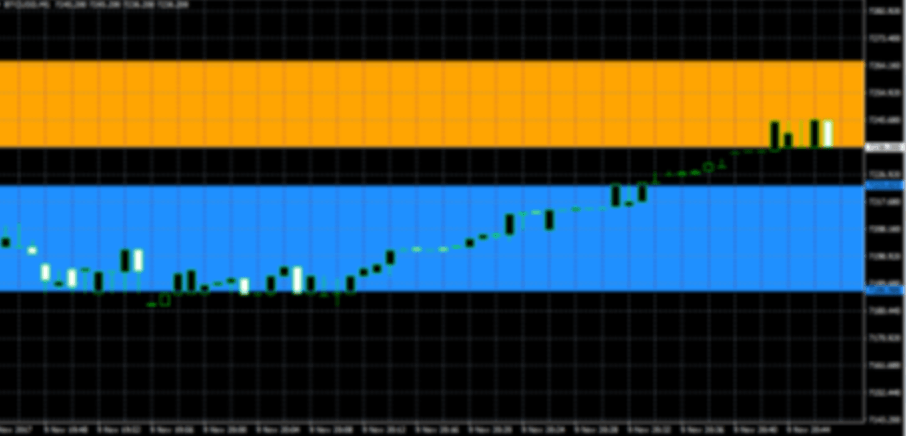
The following example shows the GDAX spread for BTC/USD, including charges, lying entirely outside the broker's spread (GDAX in blue; MT4 broker in orange).
MT 5
The GDAX price indicator collects current cryptocurrency prices from the GDAX exchange (www.gdax.com) and displays them on an MT5 chart, for comparison against your broker's prices.
You can use the indicator to help to identify future price movements arising from differences, or arbitrage opportunities.
This is the MT5 version of the indicator. An MT4 version is also available. Please note that the MT5 indicator requires the 64-bit version of MT5.
The indicator can display the following GDAX prices: BTC/USD, LTC/USD, ETH/USD, BTC/EUR, LTC/EUR, ETH/EUR, BTC/GBP, LTC/BTC, ETH/BTC.
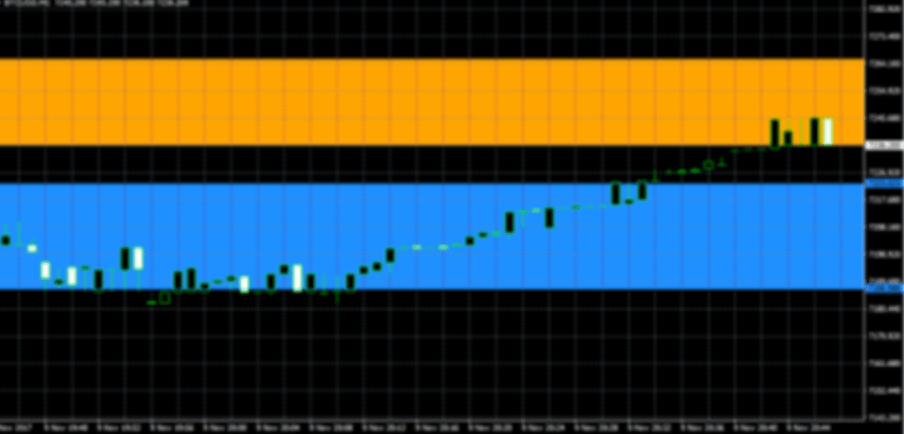
The following example shows the GDAX spread for BTC/USD, including charges, lying entirely outside the broker's spread (GDAX in blue; MT5 broker in orange)
Explore and Download Our Other Tools
TradeTalk sends immediate notifications by email, SMS or Twitter whenever trades are opened and closed in MT4. In effect, it adds alerting to any third-party EA without needing to modify its code. TradeTalk can also report on manual trading, and can be used to run a simple signal distribution service where you notify subscribers whenever you trade.
QuickChannel is a library for sending messages between copies of MT4 running on the same computer (or between EAs/scripts running in the same installation of MT4). QuickChannel can deliver messages in less than 1 millisecond.
The FX Blue Account Monitor collects headline information such as current balance and equity from FX Blue Live, showing the figures in a window on yourdesktop without you needing to visit the website. It can also watch for problems such as low free-margin, or a loss of connection by your copy of MT4.